ALPHA
手机说话,电脑打字
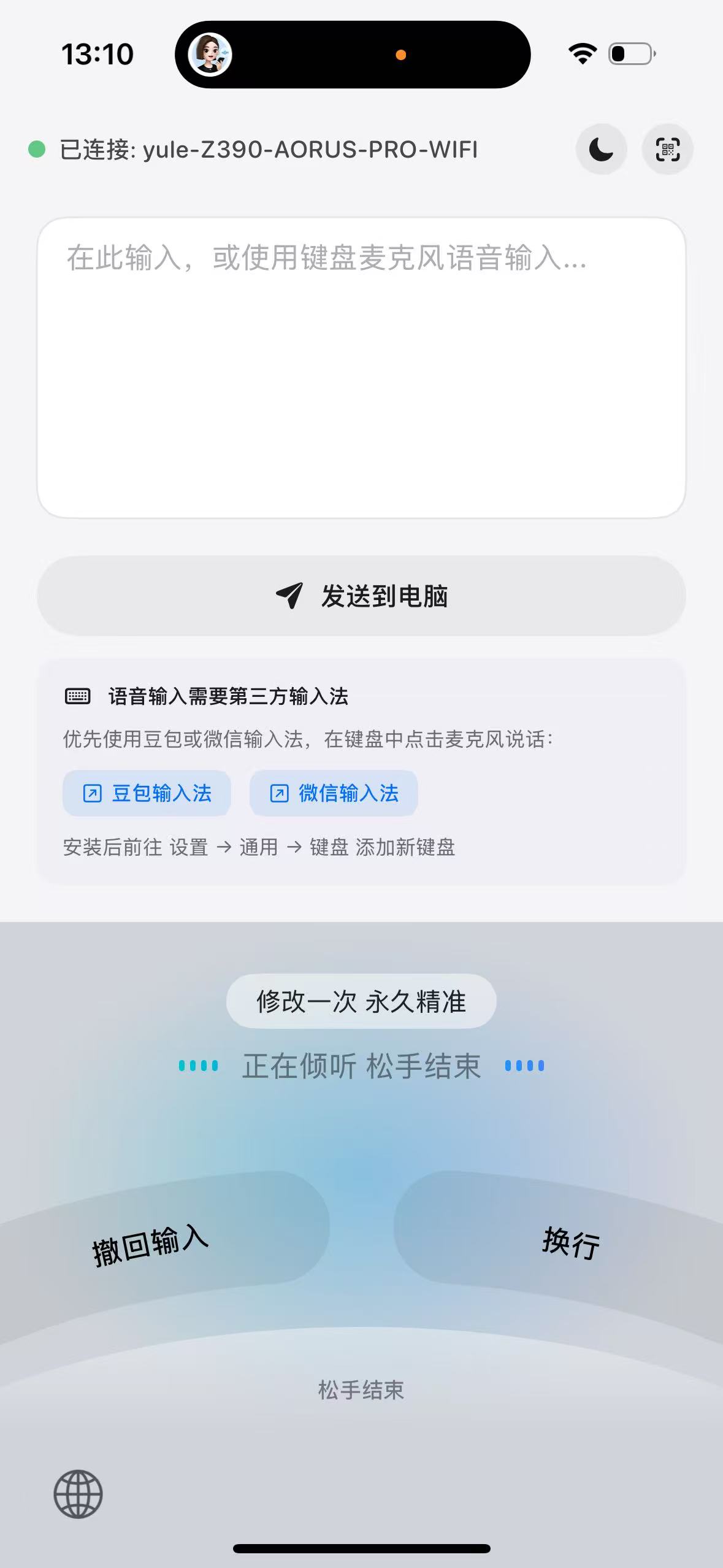
Airvoice 是局域网跨设备输入的桥梁。直接利用手机听写,即可将文字实时录入到 Windows、Mac 或 Linux 电脑,安全、迅速、且无云端依赖。
已连接连接中...错误离线
airvoice

Token: 277129e4-35ea-40af-a122-13a5839e5e1f
WebSocket URL: ws://192.168.20.189:7654/ws
[airvoice] waiting for phone connection...
airvoice
Token: 277129e4-35ea-40af-a122-13a5839e5e1f
WebSocket URL: ws://192.168.20.189:7654/ws
[airvoice] waiting for phone connection...
工作原理
手机说话,电脑粘贴 — 通过局域网将语音输入桥接到 PC。
快速开始
需要 PC 和手机端
电脑端
CLI
brew tap yuler/airvoice https://github.com/yuler/airvoice && brew install airvoice或
go install github.com/yuler/airvoice/cli@latestGUI 操作,开箱即用。
您所需的一切
轻松配对
扫描二维码或手动输入配对码,秒级完成连接。
01.
安装电脑端 (桌面/命令行)
02.
安装手机端 (安卓/iOS)
03.
手机扫码即可快速连接
实时同步
通过 WebSocket 即时传输,可靠回退机制保障稳定。
安全且本地
连接保留在局域网内,无云端,无追踪。
CLI 强力支持
使用 Airvoice 命令行工具自动化你的工作流程。
桌面端 App
提供可视化状态面板、连接配置与历史记录查看。
轻松配对
扫描二维码或手动输入配对码,秒级完成连接。
01.
安装电脑端 (桌面/命令行)
02.
安装手机端 (安卓/iOS)
03.
手机扫码即可快速连接
实时同步
通过 WebSocket 即时传输,可靠回退机制保障稳定。
安全且本地
连接保留在局域网内,无云端,无追踪。
CLI 强力支持
使用 Airvoice 命令行工具自动化你的工作流程。
桌面端 App
提供可视化状态面板、连接配置与历史记录查看。
多平台运行
iOS
Android
macOS
Windows
Linux