Speak to your PC.
Airvoice is a local LAN bridge for cross-device input. Talk to your phone and type directly on your Windows, Mac, or Linux PC — fast, private, and 100% cloud-free.

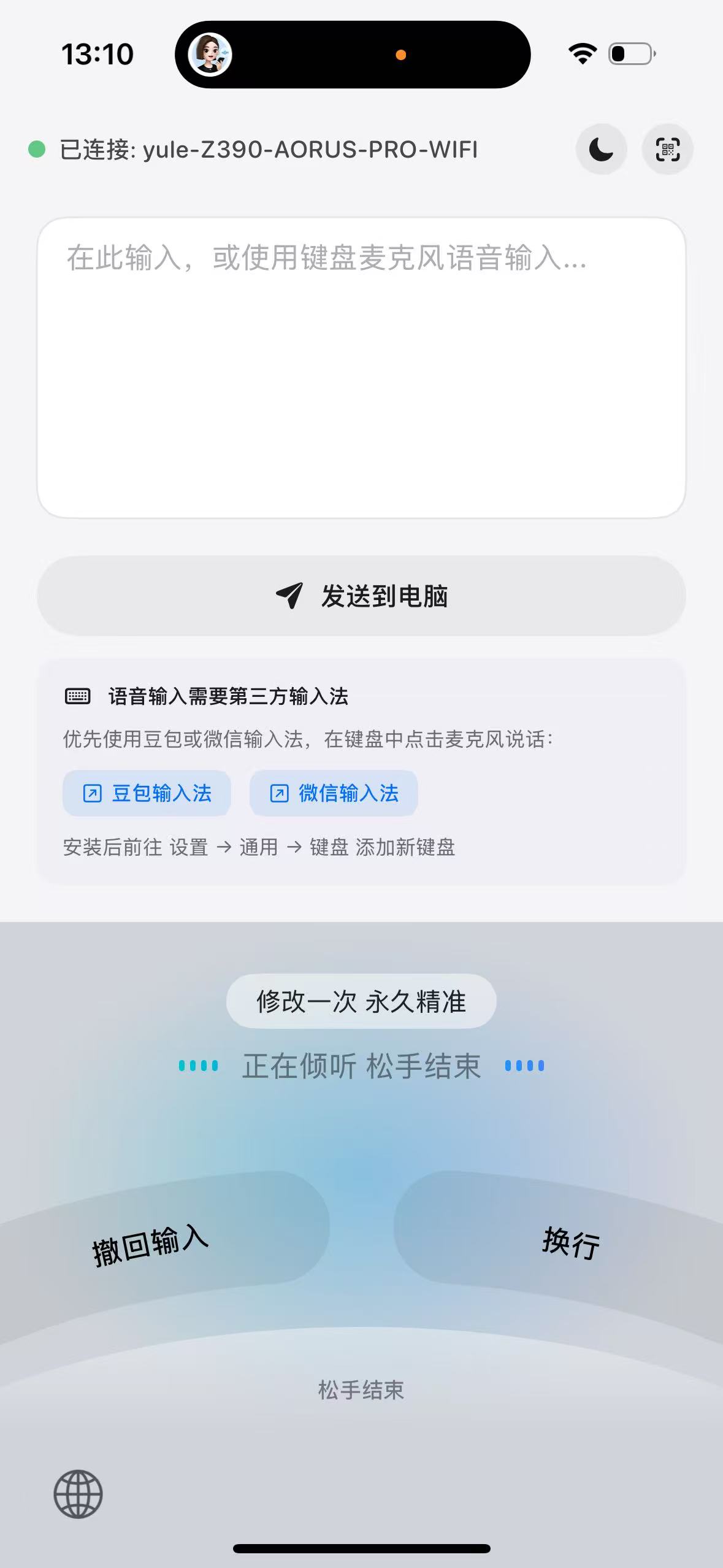
See Airvoice in action
How It Works
Speak on your phone, paste on your PC — voice input bridged over LAN.
Get Started
PC and mobile required
PC
brew tap yuler/airvoice https://github.com/yuler/airvoice && brew install airvoicego install github.com/yuler/airvoice/cli@latestPoint-and-click GUI, ready out of the box.
Mobile App
Use a third-party voice keyboard on your phone. Scan to connect — no account or cloud service needed.
Everything you need
Easy Pairing
Pair in seconds with QR code or manual code.
Install PC (Desktop/CLI)
Install Mobile (Android/iOS)
Scan QR code to connect
Real-Time Sync
Instant delivery over WebSocket with reliable fallback.
Secure & Local
Connections stay on your LAN. No cloud. No tracking.
CLI Power
Automate workflows with the Airvoice command line.
Desktop App
Visual status panel, connection configuration and history viewer.
Easy Pairing
Pair in seconds with QR code or manual code.
Install PC (Desktop/CLI)
Install Mobile (Android/iOS)
Scan QR code to connect
Real-Time Sync
Instant delivery over WebSocket with reliable fallback.
Secure & Local
Connections stay on your LAN. No cloud. No tracking.
CLI Power
Automate workflows with the Airvoice command line.
Desktop App
Visual status panel, connection configuration and history viewer.